Start a junk removal request across the U.S.
Don’t need it?
Zeft it.
See a price range in seconds: tap what’s going. Add a photo and your address for your exact flat price.
See a price range in seconds: tap what’s going. Add a photo and your address for your exact flat price.
Upload photos, review what we found, then confirm the pickup address for your exact price.
See how the photo estimate works →Your price
Price range in seconds · exact flat price after address
Built from your photos, not from a size you guess. You pay only when it’s gone.
- One flat price from your photos and pickup address
- Licensed & insured haulers
- Pay only when it’s gone
Upload photos to request a private removal price. Pickup depends on local eligibility and a verified hauler accepting the job. You pay only after the load is removed.
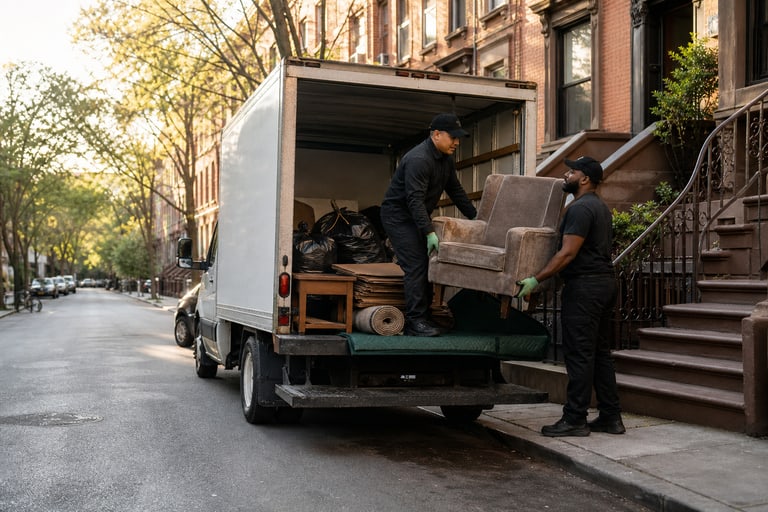
How Zeft works
From cluttered to gone
We don’t use a national price table. Upload photos, confirm the items and exact pickup address, and you’ll see your price before you sign in.
-
1 · Photo
Show us what’s going.
Take a few clear photos from your phone. They stay private as you review your price.
-
2 · Review
Confirm the job.
Edit the item list, choose pickup access, and confirm the exact address. Then we show one flat price.
-
3 · Gone
A verified crew clears it.
Pick a window. Your price is locked before loading. Follow pickup status and, when available, the crew's live arrival.
-
4 · Impact
Proof of where it went.
A cleared-space photo, plus any facility ticket issued for the pickup.
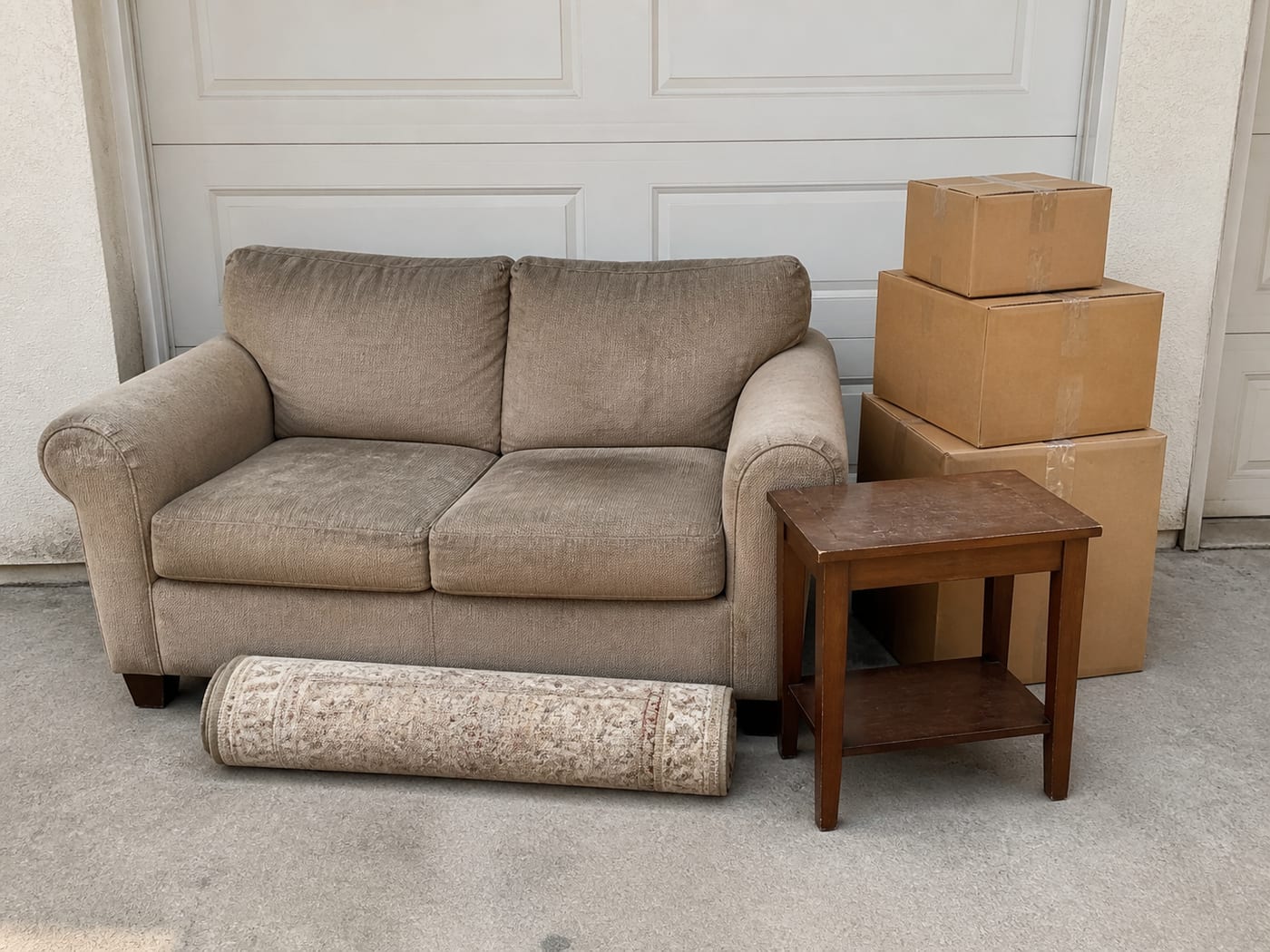
See it work
Take a photo, confirm the job, and see your price
Take photos of everything that’s going. Zeft names the items; you confirm the list, pickup access, and exact address. Then you see one flat price before signup. To post the pickup, verify your phone.
Try it with your photos →
Example
Today · 2–4 PM
Your Zeft partner is on the way. Follow along on the live map when it’s available.
The full flow
From snapshot to trusted removal
Junk removal used to mean phone calls and someone in your hallway guessing a price. Here’s how it works with Zeft.
- 1Snap a few photosOf your stuff, from a couple of angles. Zeft lists the items and you can edit the list.
- 2See one fixed priceConfirm access and your exact address, and the price shows before you sign in or book.
- 3Pick a window and it’s goneChoose same-day or schedule within 5 days, follow pickup updates, and licensed, insured haulers take it away.
Built for peace of mind
You’re in control, start to finish
From customers
What customers say
Every customer can rate their hauler after the job. The average counts every rating. Comments show only when their author says yes.
What we take
If it fits through the door, we can price it
Before you book
Quick answers
Short answers to what people ask most. When you’re ready, start at the top of the page.
When will I see my price?
Upload a clear photo to see your item-based price before creating an account. Sign up and verify your contact details before posting a pickup.
When do I pay?
You add a payment method to book. You’re charged only after the pickup is done and documented.
What if there is more than what is in my photos?
Your hauler shows you the difference and sends an updated price. You approve any change before loading, or keep the original job as booked.
How do I know where it went?
After pickup, your account keeps the cleared-space photo and any facility disposal ticket. If the facility issues no ticket, the record says so.
Drive with Zeft
Own a hauling truck? Apply to join Zeft.
Have a pickup truck, cargo van or box truck? Once you’re verified, you’ll see each job’s payout before you accept it. Take the job, haul it, and keep any scrap. Jobs and earnings are not guaranteed.
Apply to drive →- Know your pay first. Every job shows your payout before you accept it.
- Get paid fast. Payout follows documented completion once the job’s release checks pass.
- Keep the scrap. Metal, working items, anything with resale value is yours.
- Free to join. You share a cut only on jobs you accept and complete.
Download the Zeft app
Free on iPhone and Android
Upload photos, review your price and keep up with your pickup. Customers and haulers use the same Zeft app.
Explore the app